

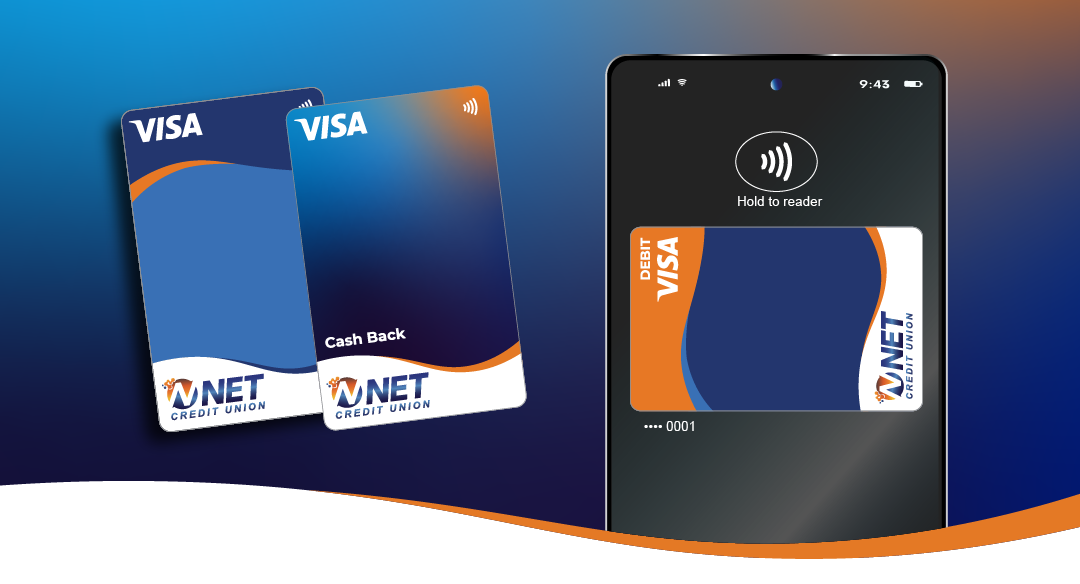
How To Add Your Card to Digital Wallet
Add your NET Cards to your Digital Wallet to checkout faster! Pay for purchases directly from your mobile device to for a faster and easier checkout.
1. Login or Register for Digital Banking: https://netcreditunion.com/digital_banking
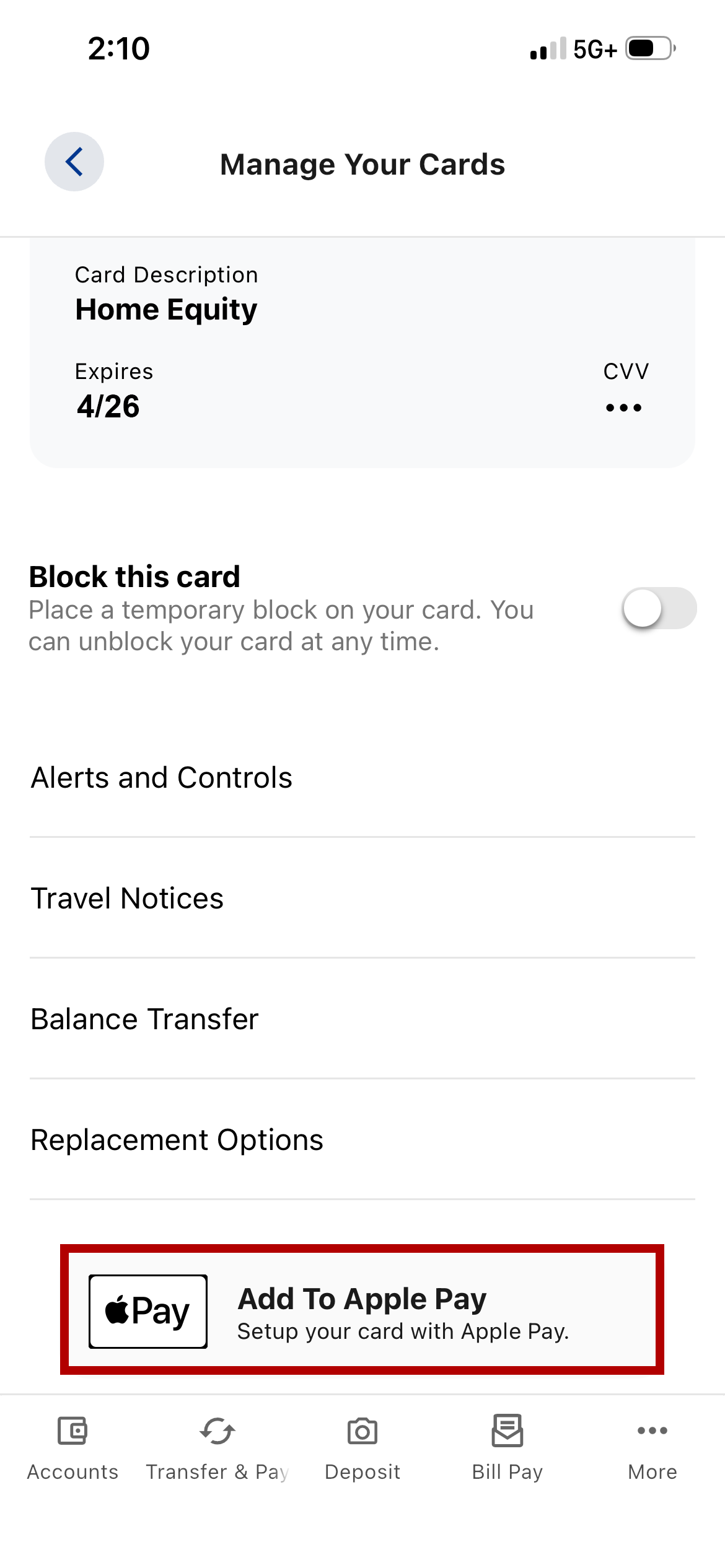
2. Select Accounts, then Card Management

3. Select the mobile pay option at the bottom.
(This may show up as Apple Pay, Samsung Pay, or Google Pay depending on your mobile device.)
If you have any questions or issues, please contact our Member Service Center at 570-961-5300 or info@netcreditunion.com Please don’t send secure information.
Recent Comments